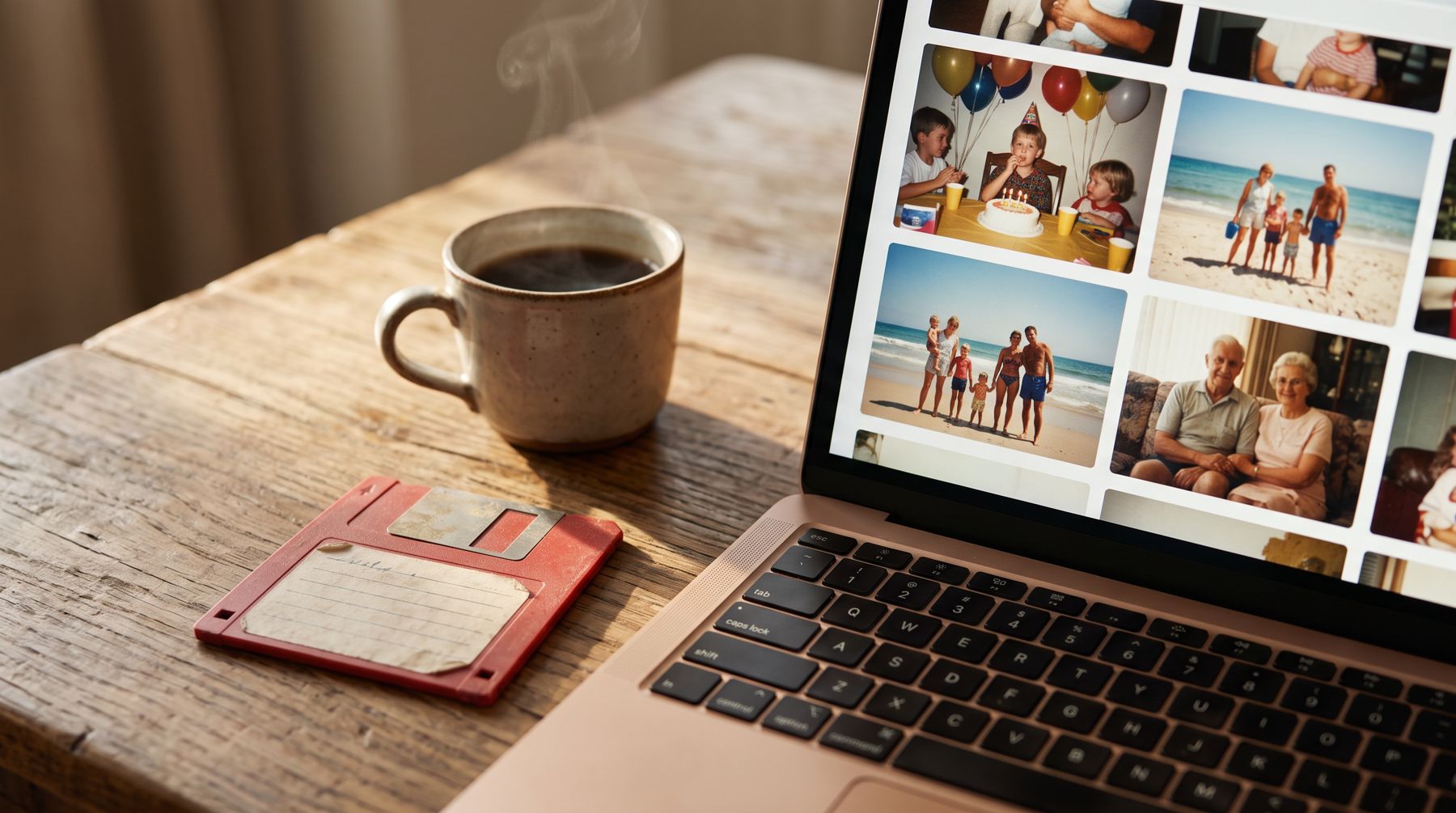
 Family photos
Mavica disks & photo CDs
Those Sony Mavica floppies and drugstore picture disks become a folder of JPGs you can share with the whole family.
Floppy disk recovery & conversion
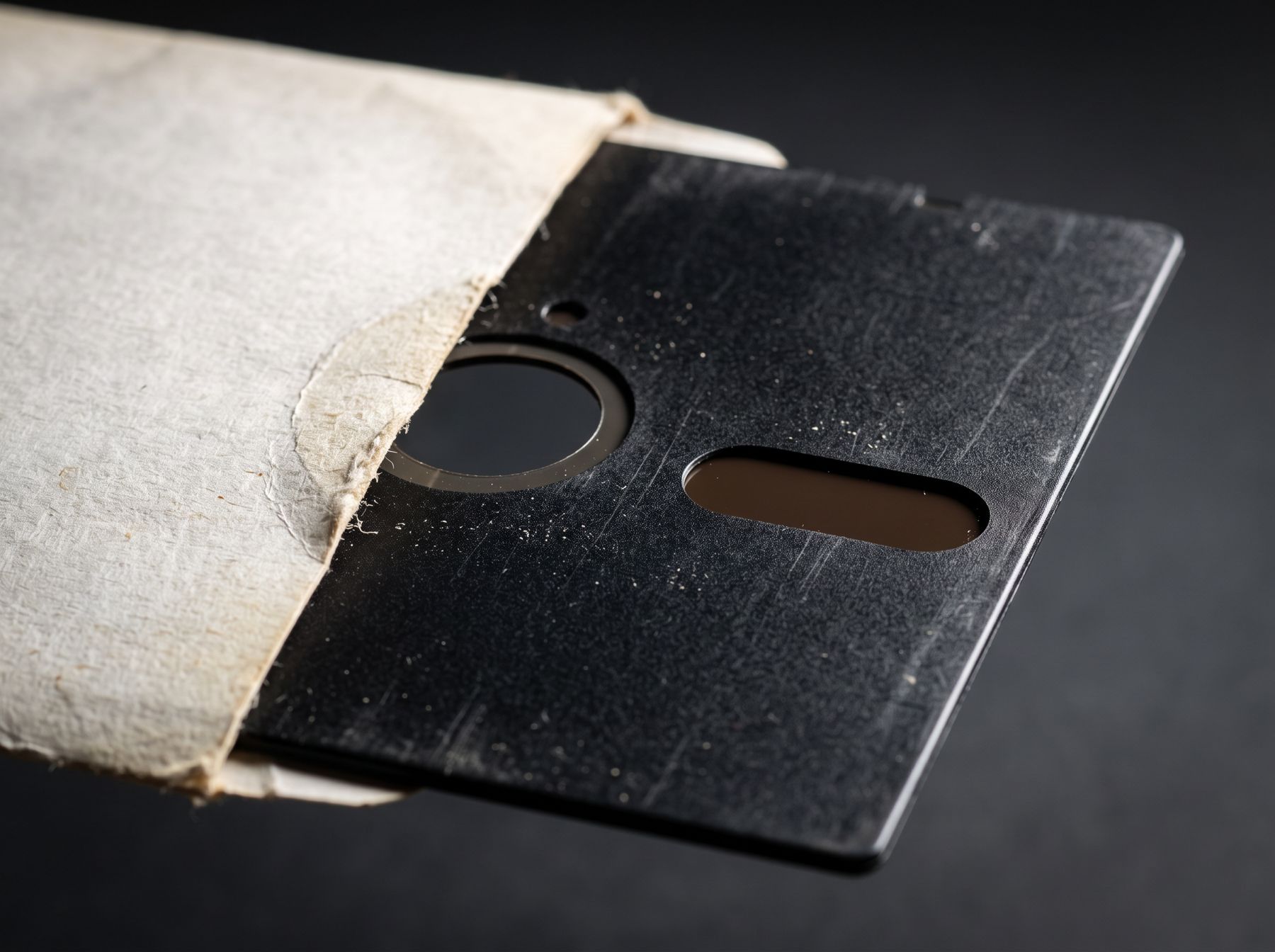
Floppies, Zip disks, 8-inch disks, word processor disks, old hard drives. We read the media your computer can't — and hand back files you can actually open.
01 — Inside the disk
No USB drive guesswork. We use period-correct drives and flux-level imaging to read the magnetic surface directly — even disks your computer calls “unformatted.”
02 — Track by track
Mold, weak media, odd formats from computers that died in 1987. We've been rescuing data from all of it for almost two decades.
03 — Conversion included
WordStar becomes Word. Lotus becomes Excel. Mavica photos become JPGs. Most conversions are free — you get files that open on today's Mac or PC.
You send your disks
Pricing from $16.95 a disk. No data recovered, no charge.
~20 yrs
rescuing files from aging disks
40+
disk & drive types we can read
$0
if we can't recover anything*
Free
conversion for most file types
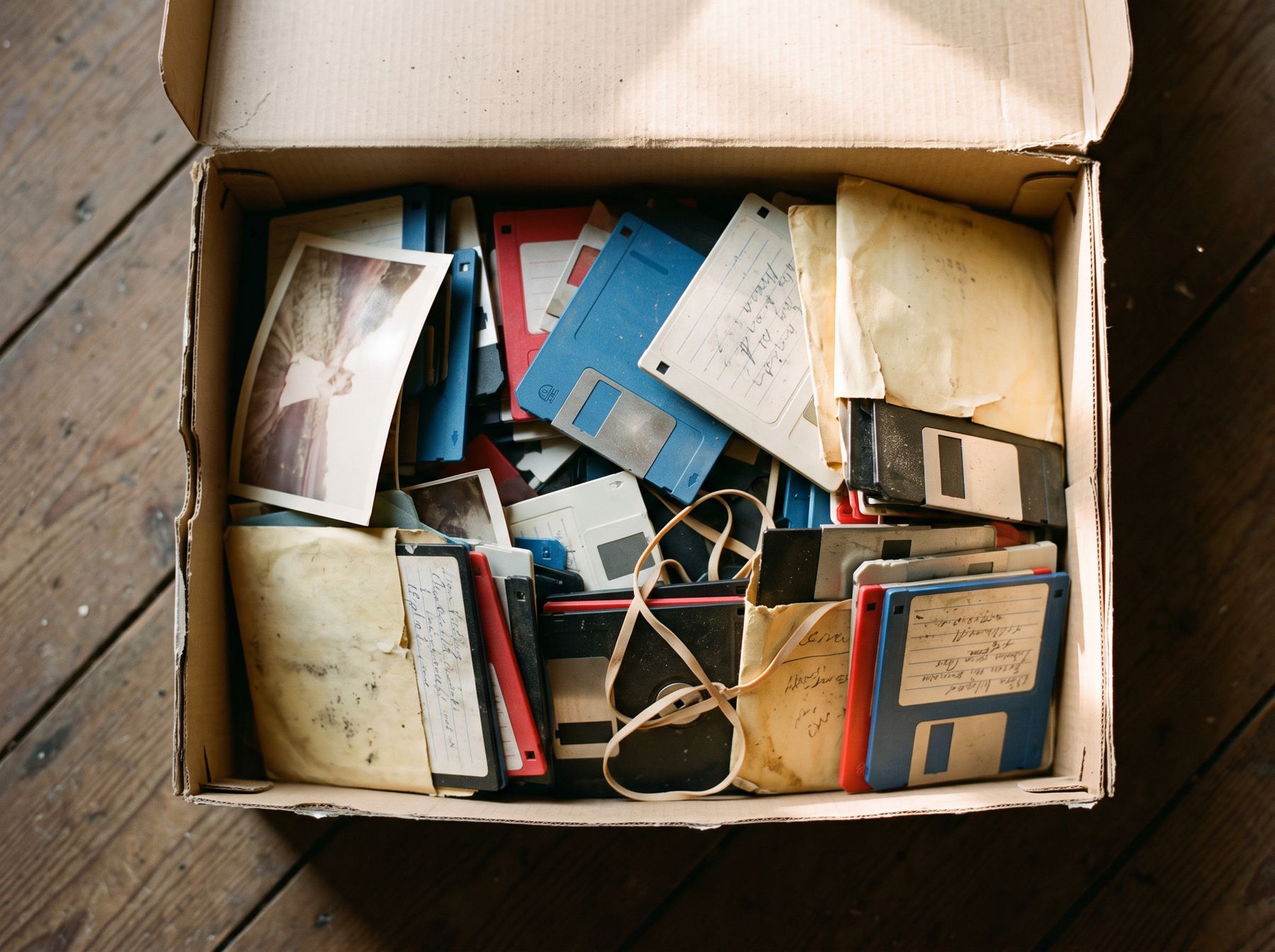
The disk in drive A: is not formatted. Do you want to format it now?
Sound familiar?
A $20 USB floppy drive can read some newer PC disks. It can't read 720K disks, Mac disks, Apple II, Commodore, word processor disks, or anything that's started to fade — and it will cheerfully offer to erase them. We use the right drive for every disk and read the magnetic signal directly.
How it works
Tell us what computer the disks came from and how many you have. We reply with a price and mailing instructions.
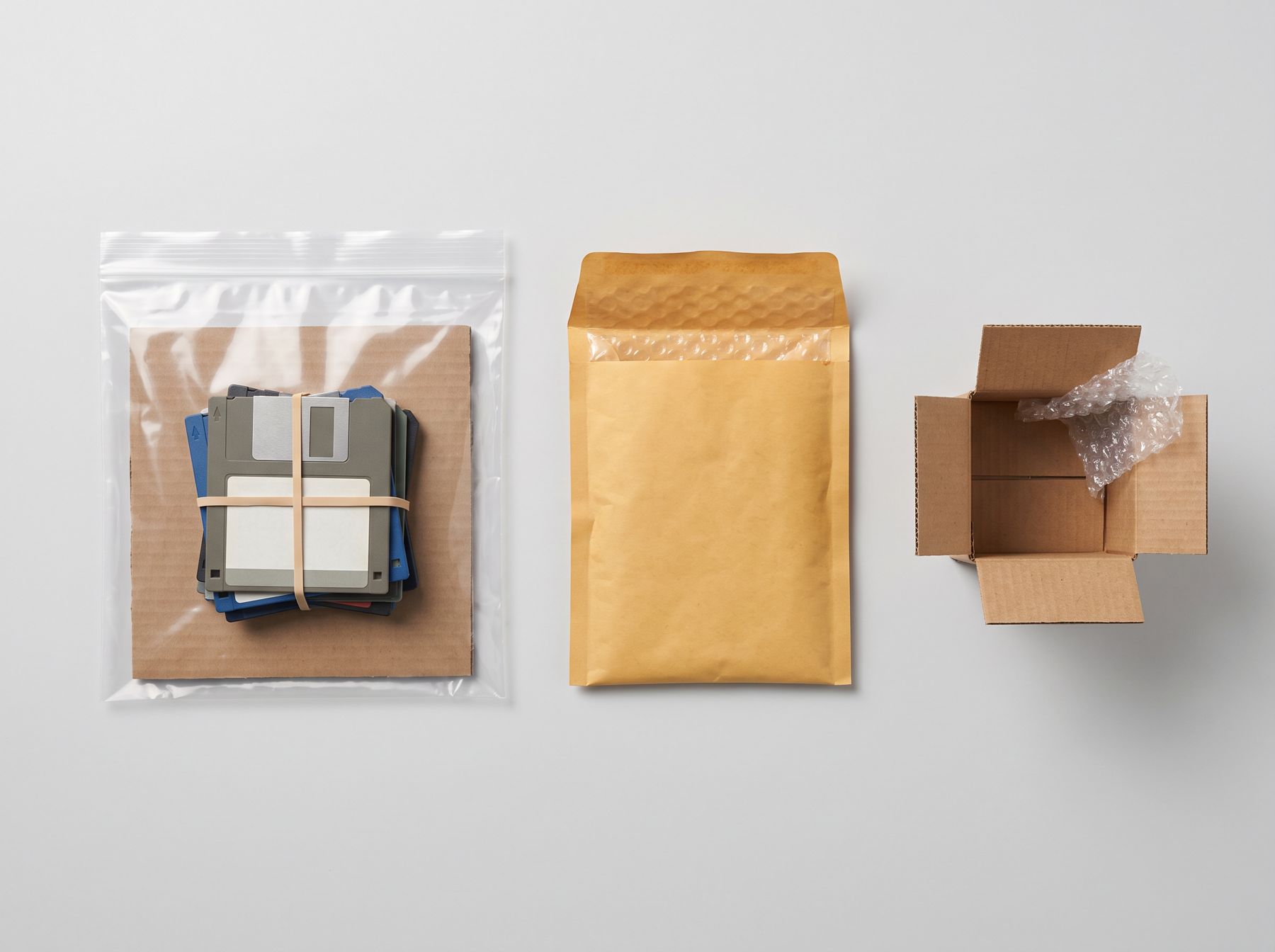
A padded envelope works for a few disks; a small box for more. We'll tell you exactly where to send them.
We read every disk and convert old documents, spreadsheets and photos into formats you can open today.
Pay by PayPal or check and get a private download link. Add a USB stick or CD if you'd like something to hold.
What people send us
Family photosThose Sony Mavica floppies and drugstore picture disks become a folder of JPGs you can share with the whole family.
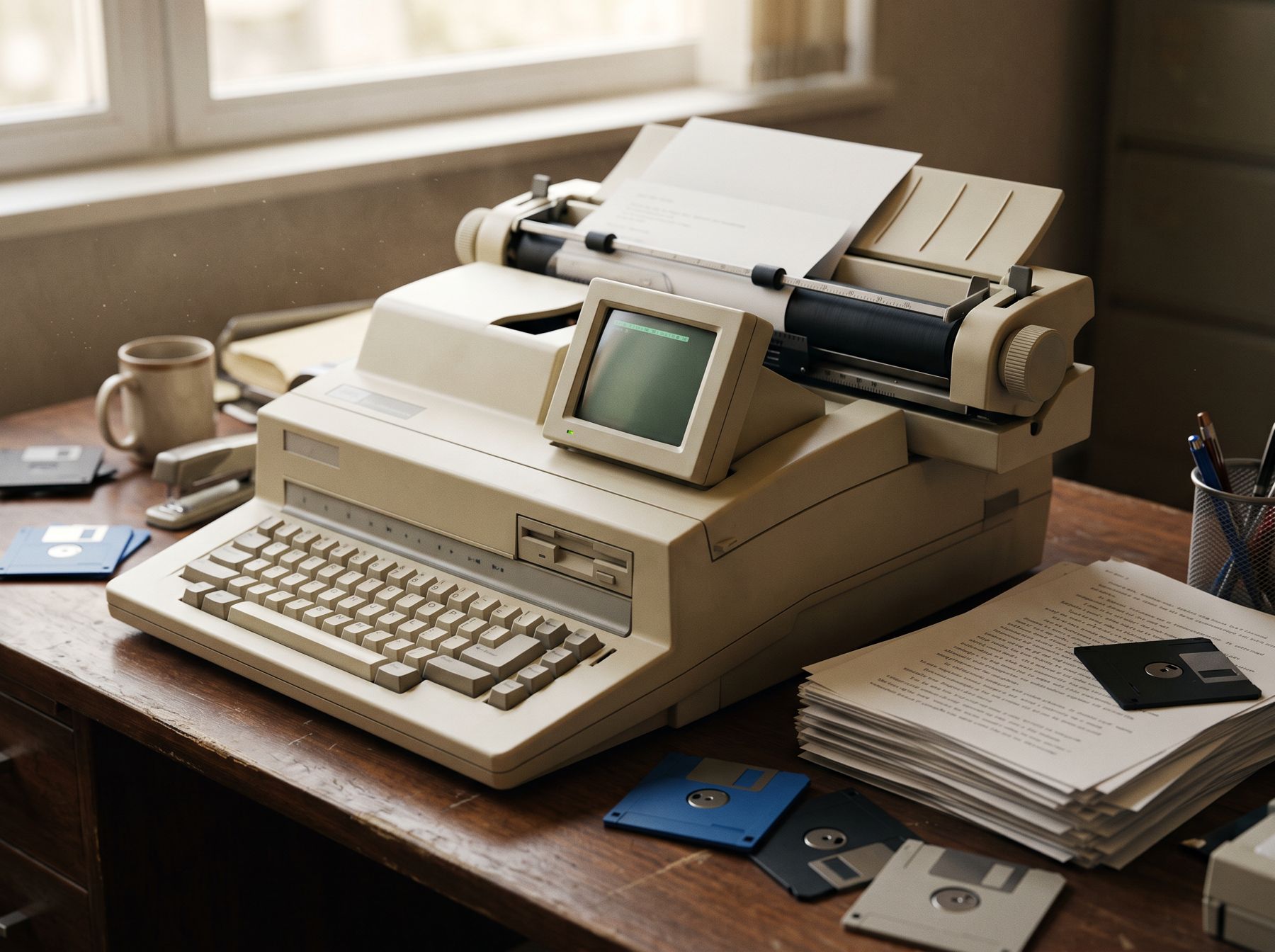 Writers
Brother, Smith-Corona, Canon and Wang word processor disks turned into Word files — formatting intact as much as possible.
 Genealogy
Family Tree Maker, PAF and Sierra Generations databases converted to GEDCOM so today's genealogy apps can open them.
 Business & archives
DEC, IBM Displaywriter, CP/M and other rarities from offices, labs and estates. If it spins, ask us.
More than a copy
Copying the bits is only half the job. A WordStar file opened in Word looks like gibberish. We convert hundreds of word processing, spreadsheet, graphics and database formats so they open on the Mac or PC you own today. Most conversions cost nothing extra.
See every format we convertStraightforward pricing
Windows / PC / MS-DOS 3.5" disks + 1 more
Mac 3.5" — 400K, 800K, 1.44MB + 4 more
CDs (Windows, Mac, Linux) + 6 more
Any 8" floppy + 7 more
PC / Mac and laptop hard drives + 1 more
Two-disk minimum. *Blank or unreadable disks aren't charged (down to the minimum), and if nothing can be recovered and we securely dispose of the media, you owe nothing. Volume pricing for 25+ disks.
The bench
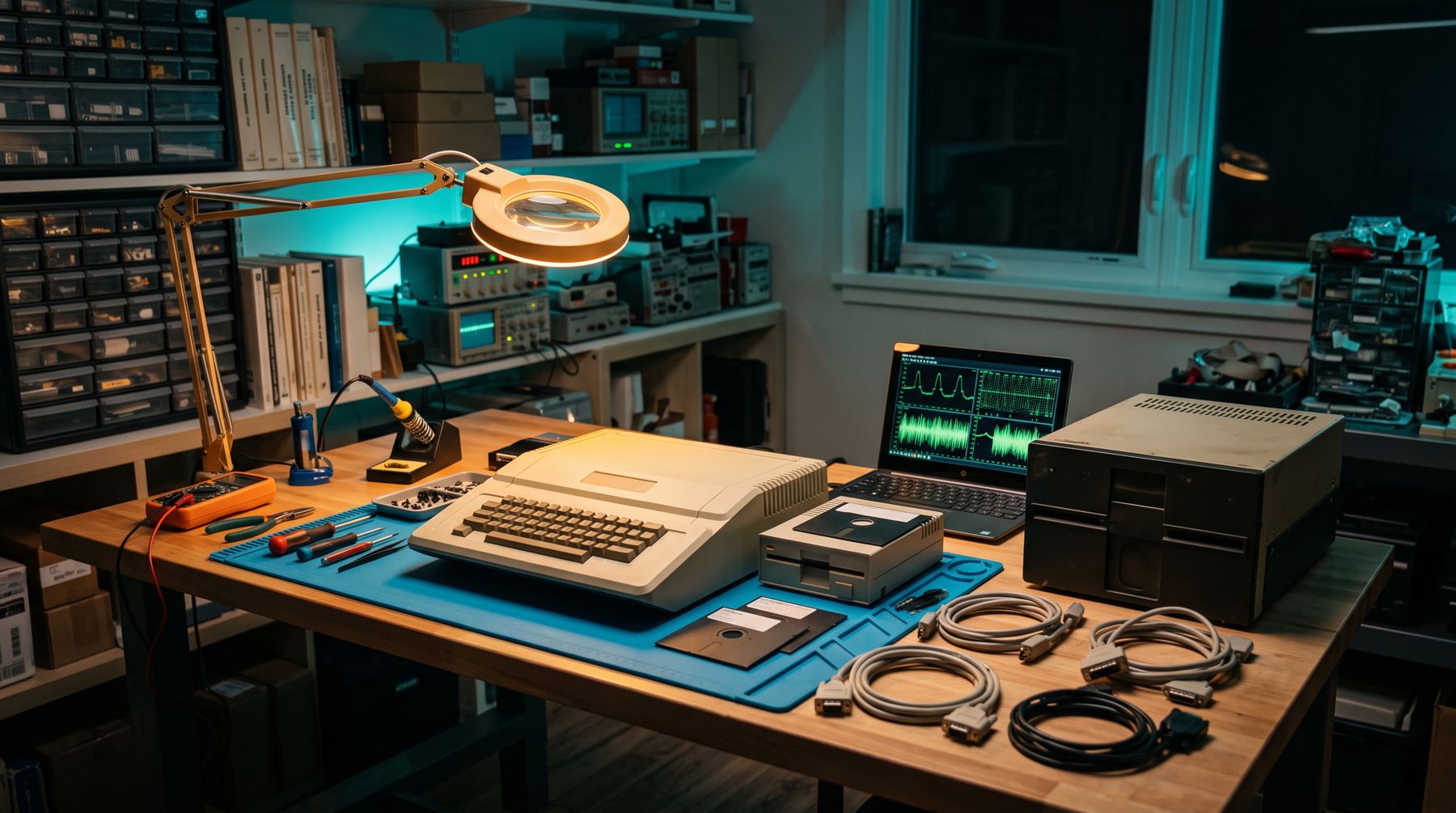
8-inch, 5.25", 3.5", Zip, Jaz, SyQuest, magneto-optical — the original hardware, paired with modern flux imaging to rescue what other tools give up on.
For the DIY crowd
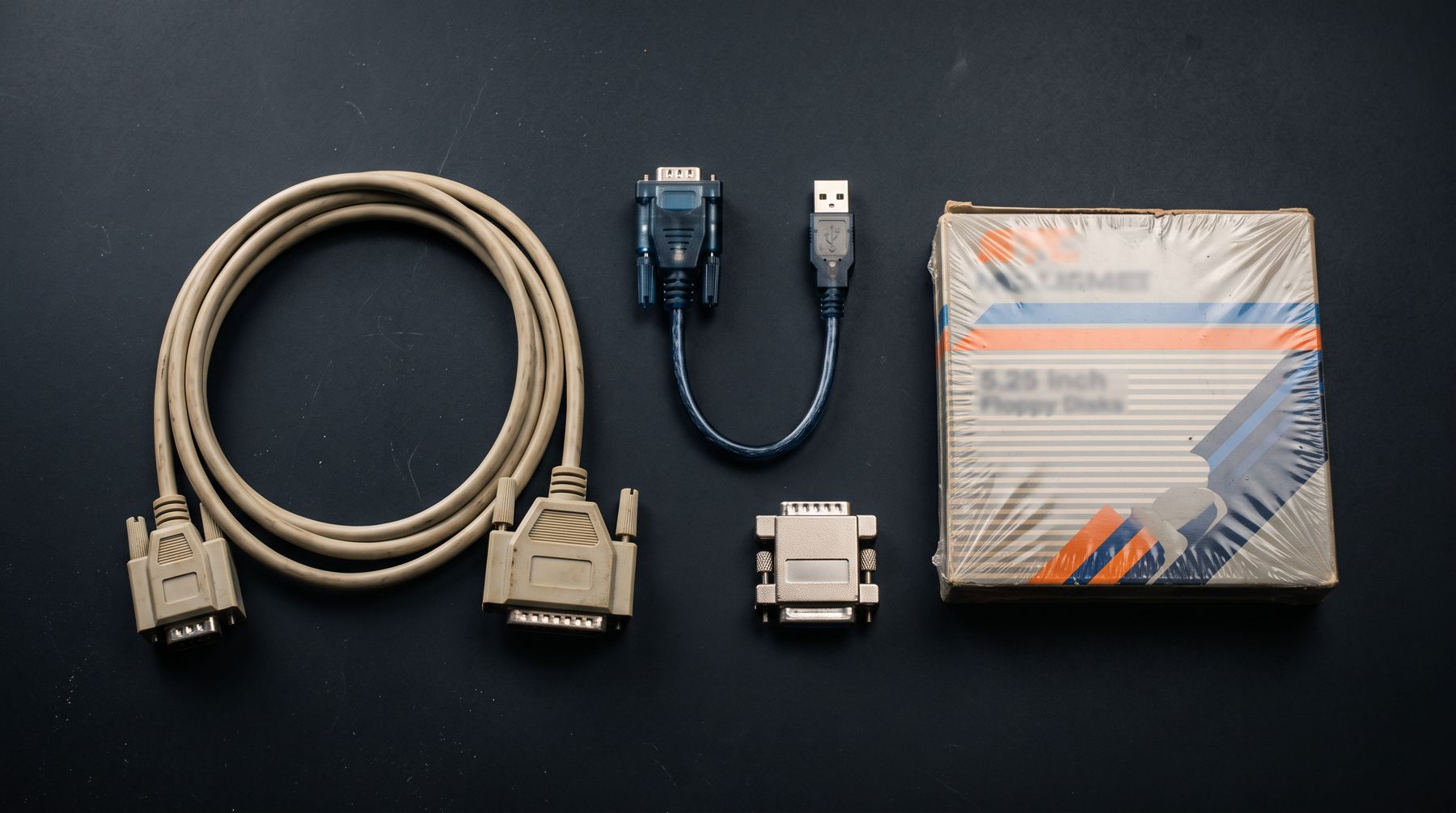
Null-modem cables for Apple II and ///, FTDI USB-to-serial adapters, ADTPro boot disks, Tandy PDD utilities and sealed blank 5.25" disks.
Shop products →Pricing is per disk, from $16.95 for a standard PC floppy, with a two-disk minimum. Converting common word processing, spreadsheet and photo files is included. We don't charge for disks that turn out to be blank or unreadable (down to the two-disk minimum), and if we can't retrieve anything at all and you don't want the disks back, you owe nothing.
Disks do deteriorate — some grow mold (really!) and some are simply cursed, like the Zip click-of-death. If nothing is readable and we securely dispose of the media, you owe nothing. If you want them back, you pay only the return shipping you were quoted. If some disks work and some don't, you pay only for the ones that worked (two-disk minimum if at least one is viable).
Request a quote first. Once we know what you have and what you'd like back, we email a quote and mailing instructions with our address. We focus on spinning computer media — we don't handle tape — so this step keeps expectations right before you head to the post office.
One or two disks: rubber-band them to a piece of cardboard and drop them in a padded or manila envelope. More than five or six: use a cardboard box and bundle the disks (bubble wrap, a zip bag, paper) so they can't slide around. Hard drives need stiff padding — dense foam or small-bubble wrap, never packing peanuts.
After your invoice is settled (PayPal, or a check drawn on a US bank), we send a download link to a zip of your results from a RetroFloppy-owned server. Results over 1GB come through a private Dropbox link. You can add a CD or USB stick if you prefer something physical.
Tell us what you have. We'll reply with a quote and mailing instructions — quotes are good for 90 days.